Online Radar Chart Tool
Free online radar chart maker. Compare strengths across multiple dimensions, customize labels and colors, and preview results instantly for reports and presentations.
Why It Works
See which category leads, trails, or changes rank at a glance.
Turn grouped counts, sums, averages, or percentages into a chart people can read fast.
Create clean visuals for sales, survey, traffic, performance, and reporting workflows.
Product Highlights
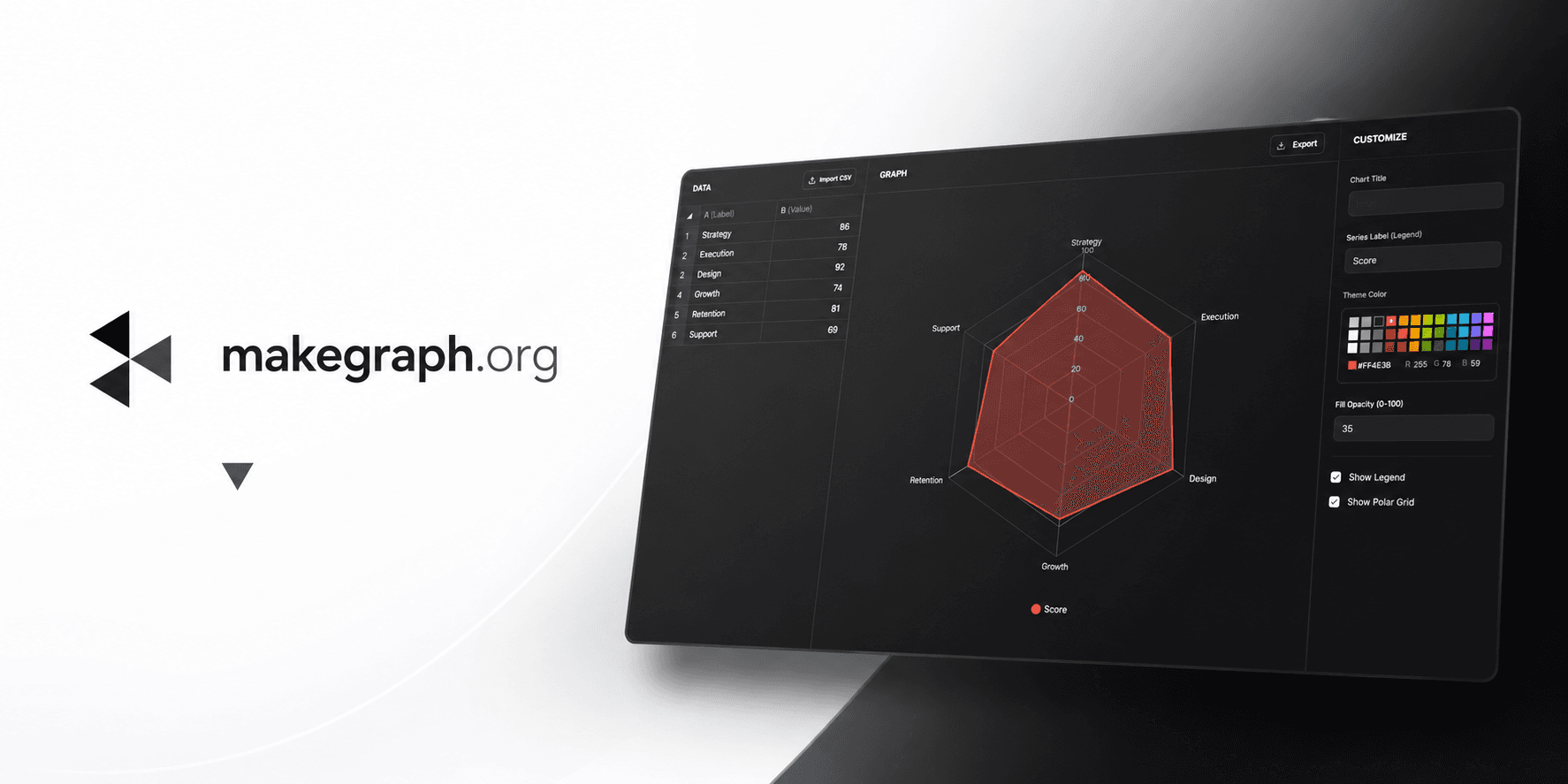
Update category names and values in a built-in table without leaving the chart workflow.
Adjust data and immediately see how the chart responds in the preview panel.
Control the chart title, legend name, color theme, legend visibility, and background grid.
Use the three-column editor on larger screens or the bottom sheet controls on smaller devices.
Common Use Cases
Compare product sales across categories or regions.
Summarize survey responses by answer option.
Show traffic, users, or conversions by channel.
Review monthly or quarterly performance by team, market, or campaign.
Present average scores, completion rates, or category-based percentages.
Highlight top and bottom performers in a ranked comparison.
Your data is organized into clear categories.
Your main goal is to compare values across groups.
Readers need to spot the highest, lowest, or ranked items quickly.
You are charting grouped metrics like count, sum, average, or percentage.
You want to show change over continuous time and a line chart fits better.
You want to show the distribution of continuous values and need a histogram.
You only care about part-to-whole share and a pie chart or 100% stacked bar chart is clearer.
You have too many categories and labels become crowded or hard to scan.
Frequently Asked Questions
It helps people quickly understand which group is larger, smaller, or more important in a ranked comparison.
Charts work best with grouped or categorical data such as products, countries, channels, months, devices, or survey answers.
Yes. If percentages are grouped by category, a chart is often a clear way to compare them side by side.
A horizontal layout is usually easier to read when labels are long or when you need to compare many categories in one chart.
A chart focuses on category comparison, while a line chart is usually better for showing continuous trends over time.
A lightweight online chart maker is faster when your goal is to enter data, preview changes instantly, and create a clean chart without a heavier spreadsheet workflow.
Ready To Start
Enter your categories, adjust the presentation, and use the live preview above to turn raw numbers into a chart that is easy to share and easy to understand.
