Online Population Pyramid Tool
Free online population pyramid maker. Compare age and sex structure with left and right horizontal bars, customize labels and colors, and preview the distribution instantly.
Why Use It
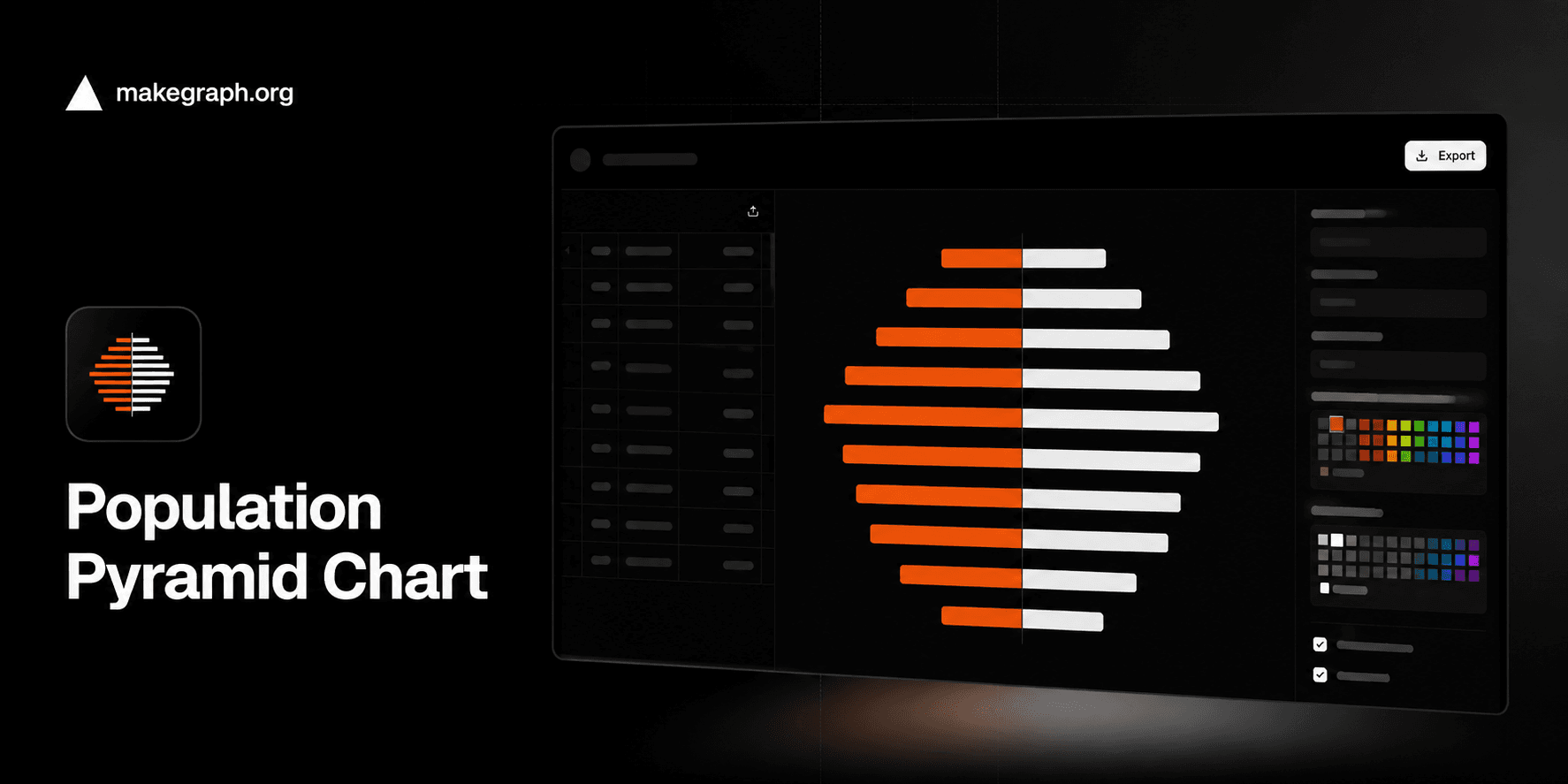
A population pyramid uses mirrored horizontal bars to show how each age group is distributed across two populations, most often male and female. Readers can spot youth-heavy populations, aging populations, and structural imbalances much faster than in a table.
See whether a population has a wide base, a narrow middle, or an aging top without forcing readers to compare rows in a spreadsheet.
Compare male and female counts or percentages in every age band with one consistent visual frame.
Use it to explain demographic change, labor supply pressure, dependency structure, migration effects, or future public service demand.
Product Highlights
Update age bands and both side values in the built-in table, then add or remove rows as your demographic breakdown changes.
See left and right horizontal bars update in real time as you refine population counts or percentages for each age group.
Rename the left and right series, set separate colors, and adjust the chart title without leaving the editor.
Use the full editor on desktop or the mobile bottom sheet controls while keeping the same data and customization workflow.
Common Use Cases
Compare male and female population counts by age group in a city, region, or country.
Show whether a population is youthful, stable, or aging in planning and policy reports.
Visualize migration or birth-rate effects by seeing where specific age bands widen or narrow.
Explain workforce supply and retirement pressure across the working-age population.
Present school-age, child-care, or elder-care demand with an age-structured demographic view.
Compare percentages instead of counts when you want to normalize populations of different sizes.
You need to compare two populations across ordered age groups.
You want readers to judge distribution shape as well as magnitude.
Your data naturally follows age bands such as 0-9, 10-19, or 65+.
You are explaining population structure, demographic change, or age-based demand.
You want to compare more than two series per age group and a grouped bar chart is easier to read.
You mainly need to show change over time and a line chart communicates the trend more clearly.
Your categories are not ordered age bands and a regular bar chart is simpler.
You need to explain composition within one total per group and a stacked bar chart fits better.
Frequently Asked Questions
It is best for showing how a population is distributed across age groups and two mirrored sides, usually male and female, so readers can quickly understand demographic structure.
No. You can use counts or percentages as long as both sides share the same scale. Percentages are often useful when comparing places with very different population sizes.
The mirrored layout keeps age groups aligned on the same center line, making it easier to compare both sides within each band and understand the overall shape of the population.
Use a population pyramid when age order and distribution shape matter. Use a grouped bar chart when you simply need side-by-side comparisons and the mirrored demographic form is not important.
A wide base can suggest younger populations or higher birth rates, while a narrow base or heavier older bands can indicate aging populations, lower fertility, or migration effects.
This tool is faster when you want to edit age bands, keep mirrored bars aligned automatically, preview changes instantly, and produce a clean population pyramid without extra spreadsheet formatting work.
Ready To Start
Enter age groups, add left and right values, and use the live preview above to turn raw demographic data into a chart that is easy to compare, share, and explain.
