Online Line Chart Tool
Free online line chart maker. Plot trends over time, customize labels and colors, and preview results instantly for reports and presentations.
Why Line Charts Work
Line charts make it easier to explain trend than almost any other chart type. They connect each point in sequence so readers can quickly see whether a metric is growing, falling, flattening, or moving unpredictably.
Show whether a metric rises, falls, or stays flat across time periods.
Make peaks, dips, and turning points easier to see than with a static table.
Turn weekly, monthly, quarterly, or yearly metrics into a chart people can scan fast.
Product Highlights
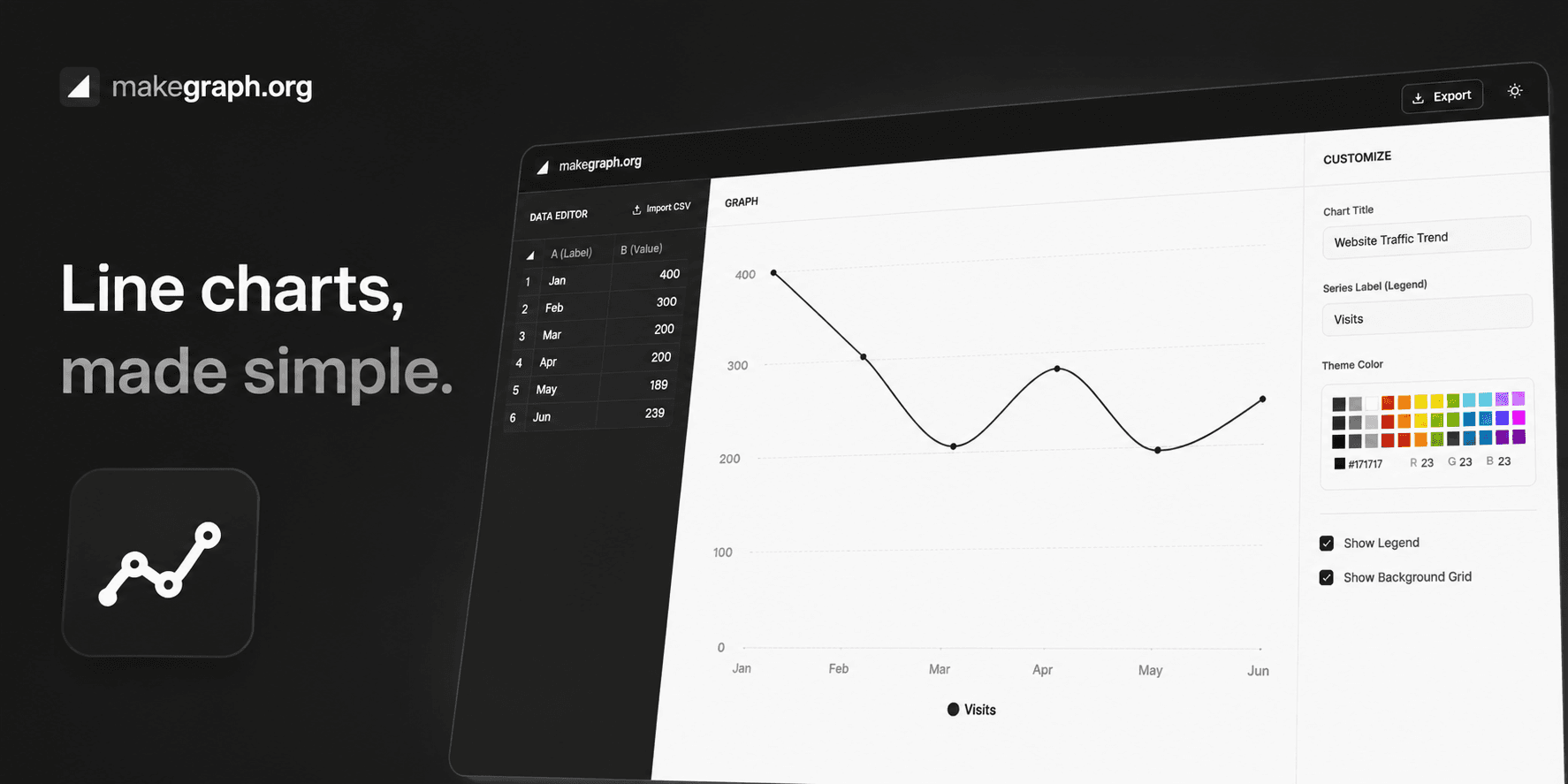
Update labels and values in a built-in table without leaving the chart workflow.
Adjust data and immediately see how the line chart responds in the preview panel.
Control the chart title, series label, color theme, legend visibility, and background grid.
Use the three-column editor on larger screens or the bottom sheet controls on smaller devices.
Common Use Cases
Track website traffic, conversions, or active users over time.
Show monthly revenue, cost, or profit trends in business reporting.
Visualize temperature, energy use, or sensor readings across a timeline.
Present project progress, KPI movement, or retention changes.
Compare how a metric behaves before and after a launch or campaign.
Summarize year-over-year movement when the trend matters more than one snapshot.
Your data follows a natural order, especially time.
Your main goal is to show movement, trend, or volatility.
Readers need to spot peaks, dips, and changes in direction quickly.
You want to compare how one metric evolves across periods.
You want to compare independent categories and a bar chart fits better.
You want to show part-to-whole share and a pie chart or stacked bar chart is clearer.
Your labels have no meaningful sequence, so connecting them as a line would be misleading.
You only need one or two isolated values and trend is not the story.
Frequently Asked Questions
A line chart is best for showing how values change over time or across another meaningful sequence. It helps people quickly read trend, direction, and volatility.
Line charts work best with ordered data such as days, weeks, months, quarters, years, steps, or stages where the sequence matters.
Yes. Percent-based metrics like conversion rate, retention rate, growth rate, or completion rate are often very clear in a line chart when they change over time.
A line chart focuses on change across a sequence, while a bar chart is usually better for comparing values across separate categories.
Avoid it when the X-axis is made of unrelated categories or when part-to-whole comparison is the main message. In those cases, a bar chart, pie chart, or stacked bar chart is often clearer.
A lightweight online line chart maker is faster when your goal is to enter data, preview changes instantly, and create a clean chart without a heavier spreadsheet workflow.
Ready To Start
Enter your timeline, adjust the presentation, and use the live preview above to turn raw numbers into a chart that is easy to share and easy to understand.
